Skip the crop,
get to the edit.
CutNegs handles the croppy work, automatically cropping and straightening your scanned film negatives.
macOS 14 or later · Apple silicon
Here’s how it works
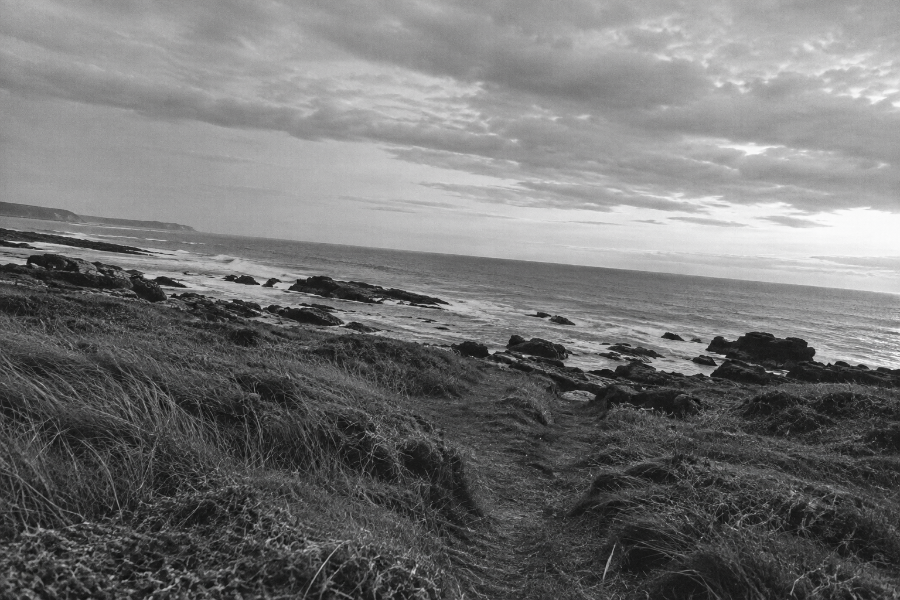
CutNegs finds the frame and calculates the crop and rotation.
It saves those adjustments with your scan as instructions for your editor.
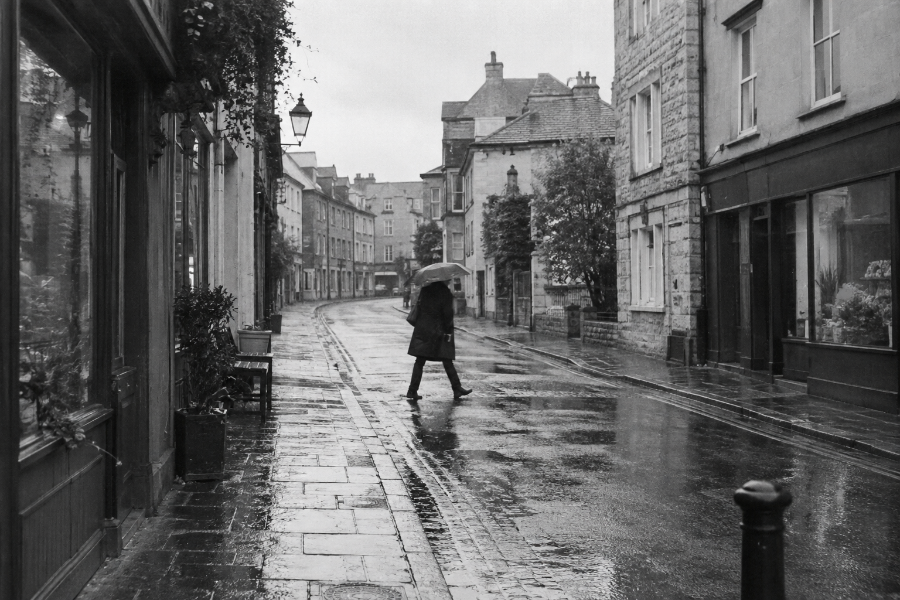
Editing instructionsCrop · StraightenYour editor opens the scan cropped and straightened. Your original image stays intact.
FAQ
Which editors does CutNegs work with?
CutNegs has been tested with Lightroom, Lightroom Classic, Photoshop and Capture One.
Is CutNegs available for Windows?
Not yet. A Windows version is coming soon.
Does CutNegs change my original files?
No. CutNegs creates prepared copies and leaves your original scans untouched.
Can I adjust the crop afterwards?
Yes. Choose Original format to keep the crop editable in your editor. Positive TIFF saves a cropped copy instead. Your original scan is kept either way.
Are my scans uploaded anywhere?
No. Image processing happens locally on your computer.